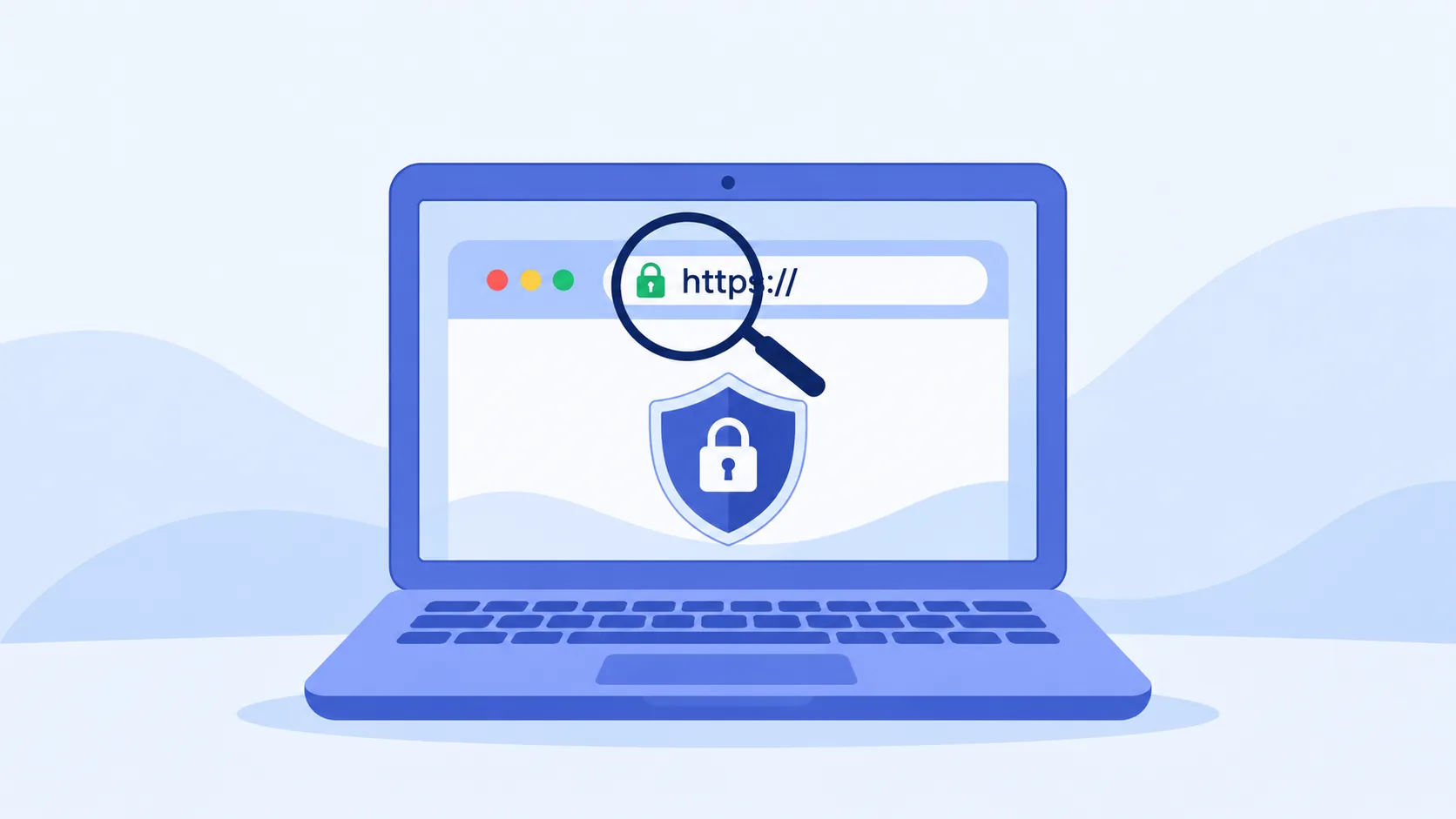
Look at the address bar of any well-run website and you will see a small padlock next to a web address that starts with https. That padlock comes from an SSL certificate. Without one, browsers warn visitors that your site is "Not secure", and many of them leave before the page has even finished loading.
This short guide explains what an SSL certificate does, why every business website needs one and how to set it up.
What Is an SSL Certificate, and What Does HTTPS Stand For?
SSL stands for Secure Sockets Layer. Today the technology is technically called TLS (Transport Layer Security), but most people still use the term SSL. An SSL certificate is a small data file installed on your web server. It does two things: it proves that your website really belongs to your domain, and it encrypts the information travelling between your website and your visitor's browser.
HTTPS stands for Hypertext Transfer Protocol Secure. It is the secure version of HTTP, the system browsers use to load web pages. When a site has a valid SSL certificate, its address starts with https and browsers show a padlock. Without one, the address starts with http and data is sent as plain text that can be read or changed along the way.
Does My Website Need an SSL Certificate?
Yes. A few years ago, SSL was seen as something only online shops needed. Today it is expected on every website, including simple brochure sites. Here is why it matters for the most common types of business website.
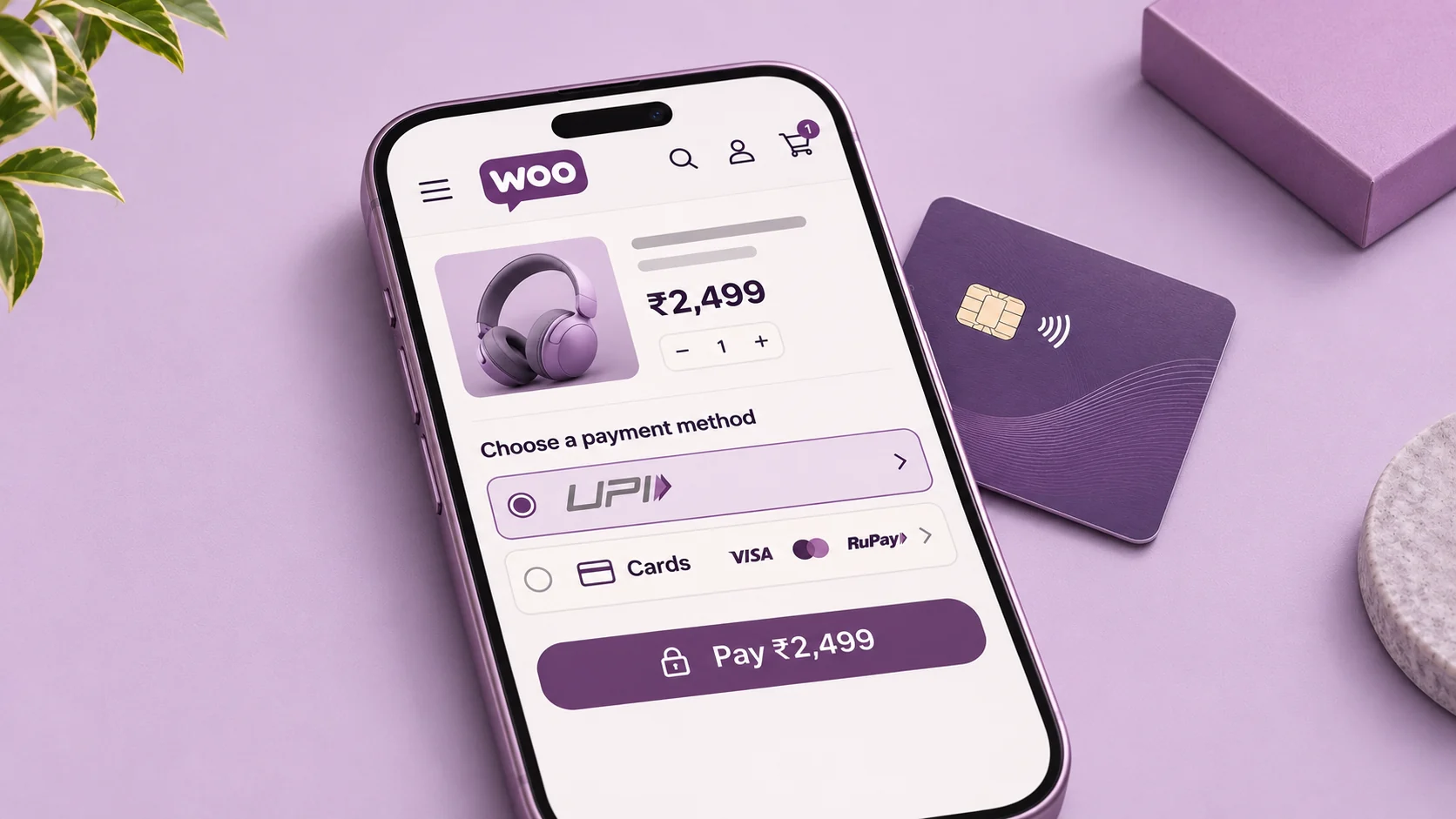
Online payments. If your website takes payments, SSL is not optional. Customers will not enter card or UPI details on a page marked "Not secure", and payment gateways require a secure connection before they will work with your store.
Logins and member areas. If customers, students, patients or staff log in to your website, their usernames and passwords must be protected. Without SSL, anyone on the same public Wi-Fi network could potentially read them.
Enquiry and contact forms. Even a simple contact form collects personal information such as names, phone numbers and email addresses. Your visitors expect that information to be handled securely, and data protection rules expect it too.
More Reasons to Move to HTTPS
Browser warnings drive visitors away. Google Chrome and other browsers label sites without SSL as "Not secure" in the address bar. Many visitors leave as soon as they see that warning, especially on mobile, where it is shown prominently.
It helps your search rankings. Google has used HTTPS as a ranking signal for years. It will not lift a weak page to the top on its own, but between two similar pages, the secure one has an advantage.
It builds trust. The padlock is a small but familiar sign that a business takes care of its website. For healthcare, finance, education and real estate, where trust is central, it is especially important.
It protects your content. Without encryption, internet providers or attackers on public networks can inject ads or harmful code into pages as they travel to the visitor. HTTPS stops your pages from being changed in transit.
Modern features require it. Many newer browser features, such as location access, some payment methods and faster loading through HTTP/2, only work on secure sites.
What Types of SSL Certificate Are There?
There are a few types of certificate, and the right one depends on the size and type of your business.
| Certificate type | What it checks | Best suited to |
|---|---|---|
| Domain Validated (DV) | That you control the domain | Most business websites, blogs and small stores |
| Organisation Validated (OV) | Domain control plus basic company details | Larger businesses that want extra verification |
| Extended Validation (EV) | A detailed check of the organisation | Banks, large ecommerce and regulated industries |
| Wildcard | Covers a domain and all its subdomains | Sites with many subdomains, such as shop. or app. |
For most small and medium businesses, a Domain Validated certificate is enough. Free certificates from Let's Encrypt are Domain Validated and are trusted by all major browsers.
How Do You Install an SSL Certificate?
Most good hosting providers now include a free SSL certificate and can switch it on from the hosting control panel. Once the certificate is active, a few more steps complete the move to HTTPS. The website itself needs to be updated so that every page, image and script loads over https, otherwise browsers show "mixed content" warnings. All old http addresses should be redirected to their https versions so you keep your search rankings and existing links. Finally, your Google Search Console and Google Analytics settings should be updated to the new secure address.
Certificates also need to renew regularly. Free certificates usually renew automatically every few months, but it is worth checking that renewal is working, because an expired certificate shows visitors a full-page security warning.
If your website was built by 3KITS, or is hosted with us, we can set up and manage your SSL certificate for you. If your site was built elsewhere, we can still check your setup, install a certificate and fix any mixed content issues. Call or WhatsApp us on +91 90304 16219.