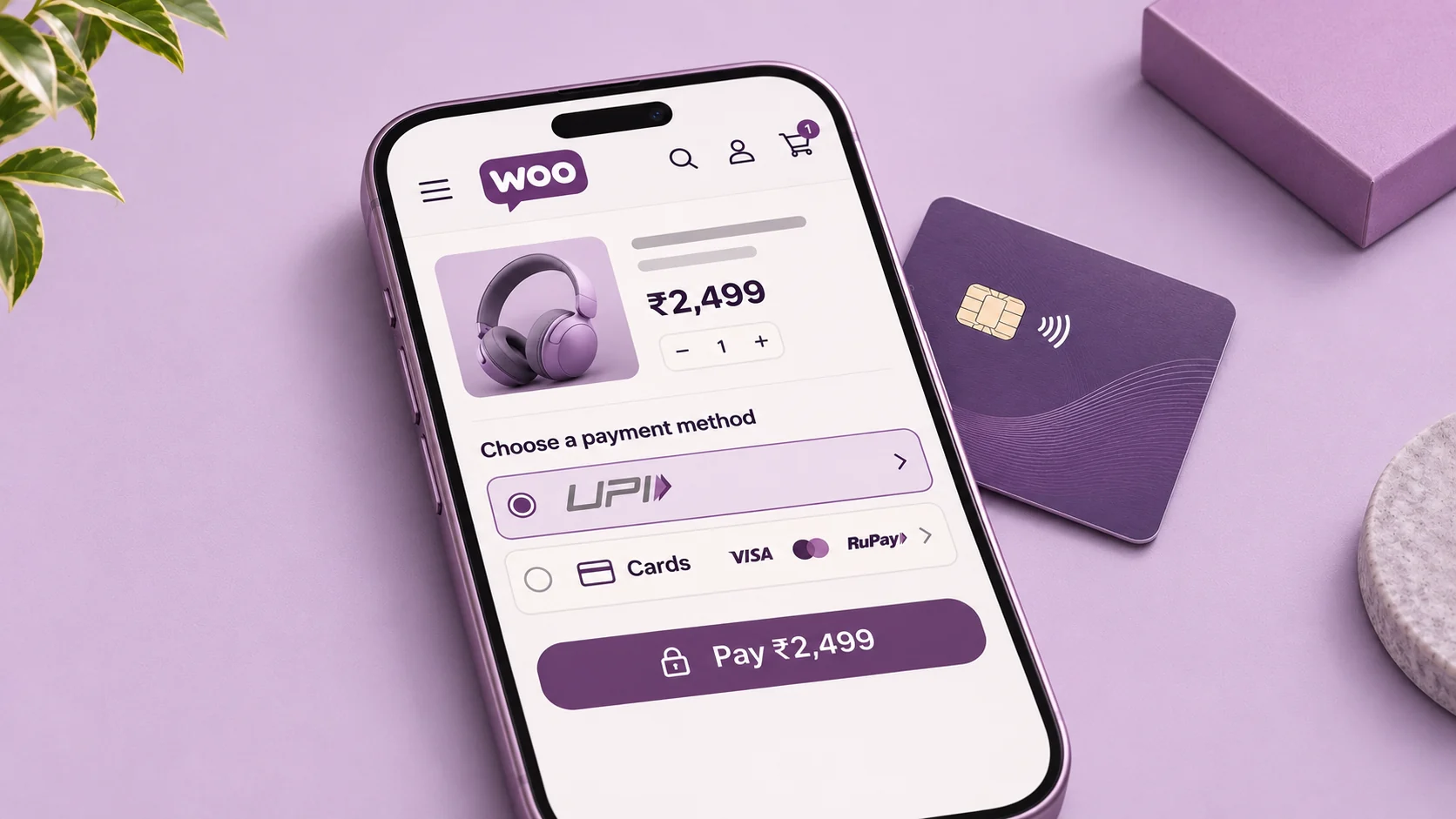
A customer adds products to the cart, reaches checkout, taps UPI and waits. The app does not open, the page reloads, and the order is gone. A poor payment experience can lose a sale that your design, product photos and ads worked hard to win.
The "best" payment gateway is not simply the one with the lowest fee. It is the one that fits your customers, your products, your cash flow and the way your team works. This guide compares the main options for WooCommerce stores in India, explains the real costs and shows how to test your checkout before launch.
What is a WooCommerce payment gateway?
A payment gateway is the service that securely collects a customer's payment and passes it to your bank account. In WooCommerce, each gateway connects through a plugin. The plugin adds the payment option at checkout, sends the order amount to the gateway and updates the order status when payment succeeds, fails or is refunded.
In India, most gateways are licensed payment aggregators. They complete KYC on your business, collect payments across UPI, cards, net banking and wallets, then settle the money to your current account after a set number of days.
Start with customer and business requirements
Before comparing fees, it is worth understanding what your store actually needs. The right gateway for a fashion brand selling ₹500 T-shirts is often different from the right one for a furniture store selling ₹50,000 sofas.
Begin with your customers. Think about how they prefer to pay. UPI is now the default for most Indian shoppers: it processed a record 25.47 billion transactions in October 2026 alone, according to NPCI data. Even so, but cards, net banking, wallets and cash on delivery still matter in certain categories and cities. If you also sell to customers abroad, you will need a gateway that accepts international cards and currencies such as USD or GBP.
Then look at your business model. Average order value affects whether EMI and pay later options are worth offering. Memberships and monthly boxes need support for subscriptions and recurring payments. Marketplaces that sell on behalf of several vendors need split payments. Settlement speed matters too, since a store with tight cash flow or fast-moving stock may need money in the bank within a day rather than three.
Finally, consider who will run the gateway day to day. Someone on your team will handle refunds, disputes and reconciliation, so a clear dashboard and good support can matter as much as the fee.
Payment gateway comparison for WooCommerce in India
The table below gives a quick overview of the main options before we look at each one in more detail.
| Gateway | Best suited to | Strengths | Watch out for |
|---|---|---|---|
| Razorpay | Most new and growing Indian stores | Wide method coverage, mature WooCommerce plugin, good documentation | Pricing tiers and add-ons vary; confirm your rate |
| Cashfree Payments | Stores that want fast settlement and strong UPI | Quick settlement options, broad payment modes, payouts | Domain whitelisting before go-live; check annual charges |
| PayU | Higher-value orders needing EMI | Long track record, EMI and affordability options | Check current WooCommerce plugin availability before choosing |
| PhonePe Payment Gateway | Mobile-first, UPI-heavy audiences | Familiar brand for UPI users | Plugin features may be narrower than older gateways |
| CCAvenue | Established and enterprise businesses | Many payment options, multi-currency | Older checkout experience; review setup and annual fees |
| PayPal / Stripe | Selling to overseas customers | Trusted internationally | Stripe is invite-only for Indian businesses; export rules apply |
Razorpay: the default choice for many Indian stores
Razorpay is the gateway most Indian WooCommerce stores consider first. Its official plugin supports UPI, cards, net banking, wallets and EMI, and the dashboard is easy for non-technical teams. It also offers payment links, subscriptions and marketplace routing, which helps as your store grows. A commonly quoted standard domestic rate is around 2% plus GST, but confirm your plan on Razorpay's pricing page.
Cashfree Payments: fast settlements and strong UPI
Cashfree has become a serious alternative to Razorpay. It is known for quick settlement options, a wide range of payment modes and payout tools for refunds and vendor payments. Its WooCommerce plugin requires your domain to be whitelisted before you go live, so plan for that in your launch timeline. Check whether an annual maintenance charge applies to your account.
PayU: EMI and affordability options
PayU has served Indian merchants for many years and is strong on EMI, cardless EMI and pay later options, useful for electronics, furniture and education fees. In mid-2026, PayU's plugin on WordPress.org was temporarily closed pending review. Check the current status and PayU's own integration guidance before you build your checkout around it.
PhonePe Payment Gateway: built around UPI
PhonePe is a familiar name for millions of UPI users, which can build trust at checkout. It suits stores with a young, mobile-first audience where UPI makes up most payments. Review the plugin's support for refunds, webhooks and order status updates before committing.
CCAvenue: established, with many payment options
CCAvenue is one of the oldest gateways in India and is still used by many established and enterprise businesses. It supports a large number of payment options and multiple currencies. The checkout can feel older than newer gateways, so test it on mobile with your customers in mind.
PayPal and Stripe: for international sales
If you sell to customers abroad, PayPal is widely recognised and trusted. Stripe is excellent for international card payments, but it is currently invite-only for Indian businesses, so new Indian merchants must request an invite before they can sign up. Export sales also bring extra paperwork, such as purpose codes, so speak to your CA before you launch international payments.
Cash on delivery, EMI and pay later
Cash on delivery is still important in many categories and cities, but it brings return-to-origin losses and cash handling costs. Many stores now limit COD by order value or PIN code, or offer a small discount for prepaid orders. EMI and pay later options can lift conversion on high-value products. Offer them because they genuinely help your customers, not just because the gateway includes them.
Calculate the actual cost of a gateway
The headline percentage is only part of the cost. The table below lists everything worth checking before you sign up.
| Cost item | What to check |
|---|---|
| Transaction fee (MDR) | Rate per method: UPI, domestic cards, international cards, EMI |
| GST | 18% GST applies on the gateway's fee, not on your sale amount |
| Setup and annual fees | One-time setup charges or annual maintenance fees |
| Settlement speed | Standard settlement time, and the cost of instant settlement |
| Refund charges | Whether fees are returned when you refund an order |
| Chargebacks | Dispute fees and how much evidence you must provide |
| Failed payments | Success rates matter more than a 0.1% fee difference |
A gateway that is slightly more expensive but has higher UPI success rates can earn you more overall.
Security, KYC and compliance
Using a hosted or embedded gateway checkout keeps card details off your server, which reduces your security burden. You are still responsible for the rest of your store, and a weak WordPress installation can undermine even the most secure gateway.
The foundation is regular maintenance. WordPress, WooCommerce and every plugin should be kept up to date, the whole site should run on SSL, and every admin account should use two-factor login. Your store should never store card numbers or CVVs, whether in WooCommerce itself or in custom fields added by a developer.
On the gateway side, webhooks should be set up with signature checks, so the payment status your store receives genuinely comes from the gateway and cannot be faked. Regular, tested backups protect you if something does go wrong. Onboarding is also stricter in 2026. Under the RBI's payment aggregator directions, gateways have applied a tougher merchant due diligence standard to every new merchant since January 1, 2026, including PAN verification and background checks. For approval, keep your KYC documents ready in advance: typically PAN, GST registration, bank proof and business registration. Missing paperwork is one of the most common reasons a store launch is delayed.
Design your checkout around confidence
Customers pay when they feel safe and nothing surprises them. Show the total including GST and shipping early. Keep the form short, support autofill and use a mobile-friendly layout. Display trusted payment logos, a clear returns policy and a visible phone or WhatsApp number. Our guide to web design vs UX design explains how small UX changes like these lift conversion.
Test the whole order lifecycle
Before launch, test every part of the payment journey in the gateway's test mode, and then again with a few small live payments. Many payment problems only appear in unusual situations, so a quick test of a single successful card payment is not enough.
Start by placing orders with every payment method you plan to offer, and check that each successful payment moves the order to Processing in WooCommerce. Then test what happens when things go wrong. Cancel a UPI payment halfway through and confirm the order shows as failed or pending, rather than paid. Close the browser straight after paying, which is common on mobile, and make sure the order still updates correctly.
Next, test the steps after payment. Issue both full and partial refunds from WooCommerce, confirm that order emails and any SMS or WhatsApp notifications are sent, and match your test orders against the gateway dashboard and settlement report. Finally, repeat the key tests on both Android and iPhone, using both Wi-Fi and mobile data, since that is how your customers will actually shop.
Monitor payment performance after launch
Review your payment success rate by method every week for the first month, then monthly. Watch for spikes in failed UPI payments, rising refunds or settlement delays. Keep a second gateway configured as a backup so you can switch quickly if your main provider has an outage.
Choose a dependable payment stack
For most Indian WooCommerce stores, a strong domestic gateway such as Razorpay or Cashfree covers the majority of customers. Add PayU or PhonePe where EMI or UPI reach matters, and PayPal for overseas buyers. Compare total costs, test properly and keep monitoring after launch.
3KITS builds and maintains WooCommerce stores for businesses across India, including gateway setup, checkout design and ongoing maintenance and support. If your checkout is losing orders, call or WhatsApp us on +91 90304 16219.
Sources: Stripe: invite-only in India, SureCart: Razorpay vs Cashfree vs PayU (July 2026), Cashfree WooCommerce plugin, NPCI UPI data for October 2026, RBI Payment Aggregator Directions